


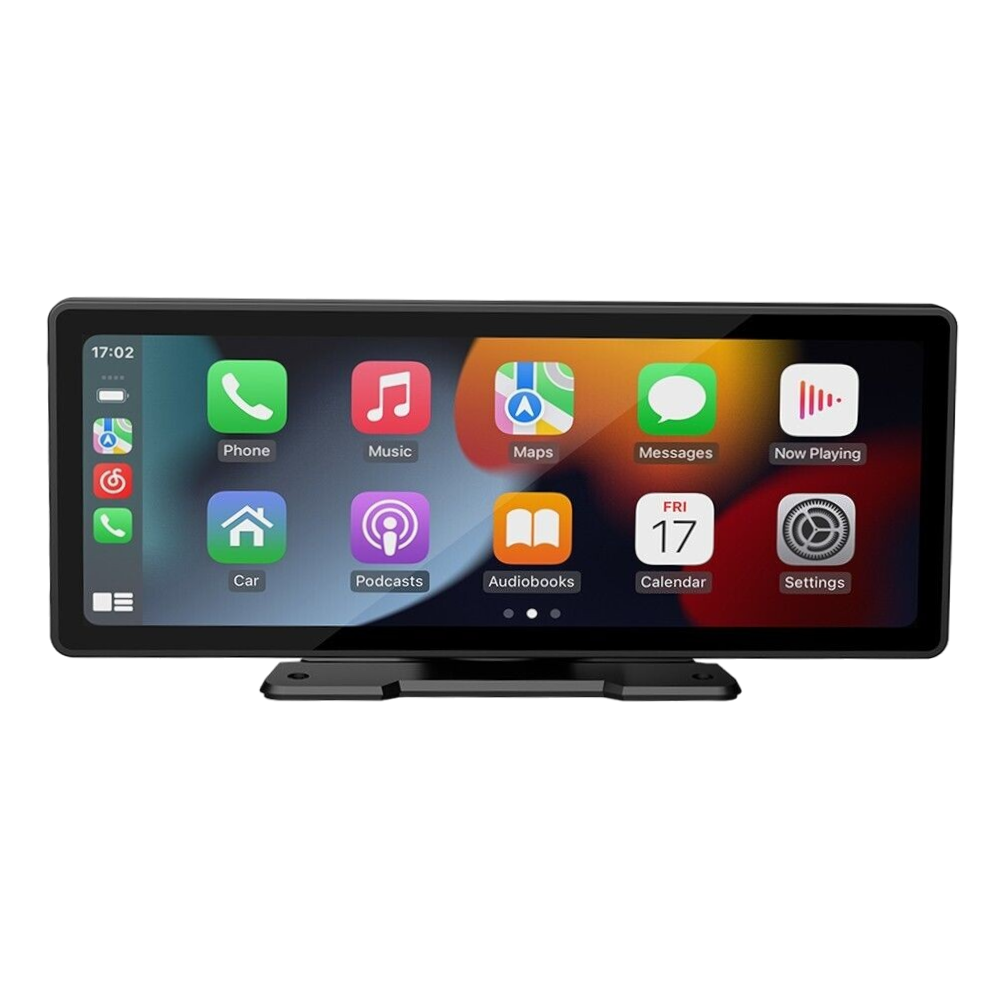
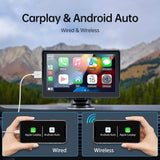
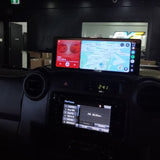
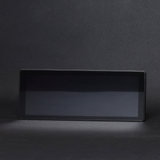
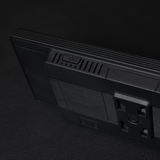
Wireless CarPlay & Android Auto Display 9.3" IPS touchscreen, no headunit swap required
Your factory stereo doesn't do CarPlay. This 9.3" IPS display adds wireless Apple CarPlay and Android Auto without you touching a wire in the dash. Mount it on your dash or windscreen, pair your phone, and drive.
or 4 interest-free payments of $42.25 with Shop Pay & Afterpay
Item code: UNICARPLAY93INCH
 Australian Owned and Operated.Australian Owned Certified · AO 08314
Modern connectivity, no headunit required.
Swapping a factory headunit can be expensive, time-consuming, and sometimes outright impractical. Older LandCruisers, Hilux workhorses, and daily drivers often have dash configurations that make a full head unit replacement a major project. This portable display sidesteps all of that.
Mount it on your dashboard or windscreen, run the power cable, and your phone connects wirelessly via Bluetooth and Wi-Fi. Apple CarPlay or Android Auto launches automatically, putting navigation, music, messaging, and hands-free calls on a crisp 9.3 inch screen without a single modification to your vehicle.
Audio feeds through your existing stereo via AUX or FM transmitter, so you keep your factory speakers and amplifier. It is a genuinely clean solution for anyone who wants smartphone integration without compromise.
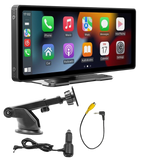
Everything you need, out of the box.
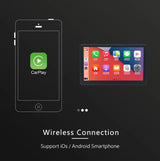
WIRELESS CARPLAY & ANDROID AUTO
Connects to your iPhone or Android device wirelessly via Bluetooth and Wi-Fi. No cables on the seat, no adapters needed, just pick up and drive.
9.3" HIGH-RES IPS TOUCHSCREEN
A 1600x600 IPS panel delivers sharp, vibrant visuals with wide viewing angles and responsive touch, so you can actually read it in bright Australian sunlight.
BLUETOOTH 5.0 HANDS-FREE
Bluetooth 5.0 keeps your calls clear and your connection stable. Answer, end, and manage calls directly from the touchscreen without picking up your phone.
Installation overview.
MOUNT THE DISPLAY
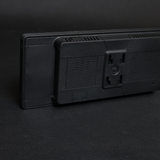
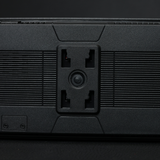
Choose your preferred position on the dashboard or windscreen and attach the display using the included mount. Position it for a clear sightline without blocking your view of the road.
CONNECT POWER
Run the included power cable to your vehicle. The unit draws power from your vehicle's supply, no permanent wiring modifications required.
PAIR YOUR PHONE
Power on the display and pair your iPhone or Android phone via Bluetooth. The unit then establishes a Wi-Fi connection to launch wireless CarPlay or Android Auto automatically.
SET YOUR AUDIO
Connect the display to your factory head unit via AUX cable or tune your factory stereo to the FM transmitter frequency for wireless audio through your existing speakers.