


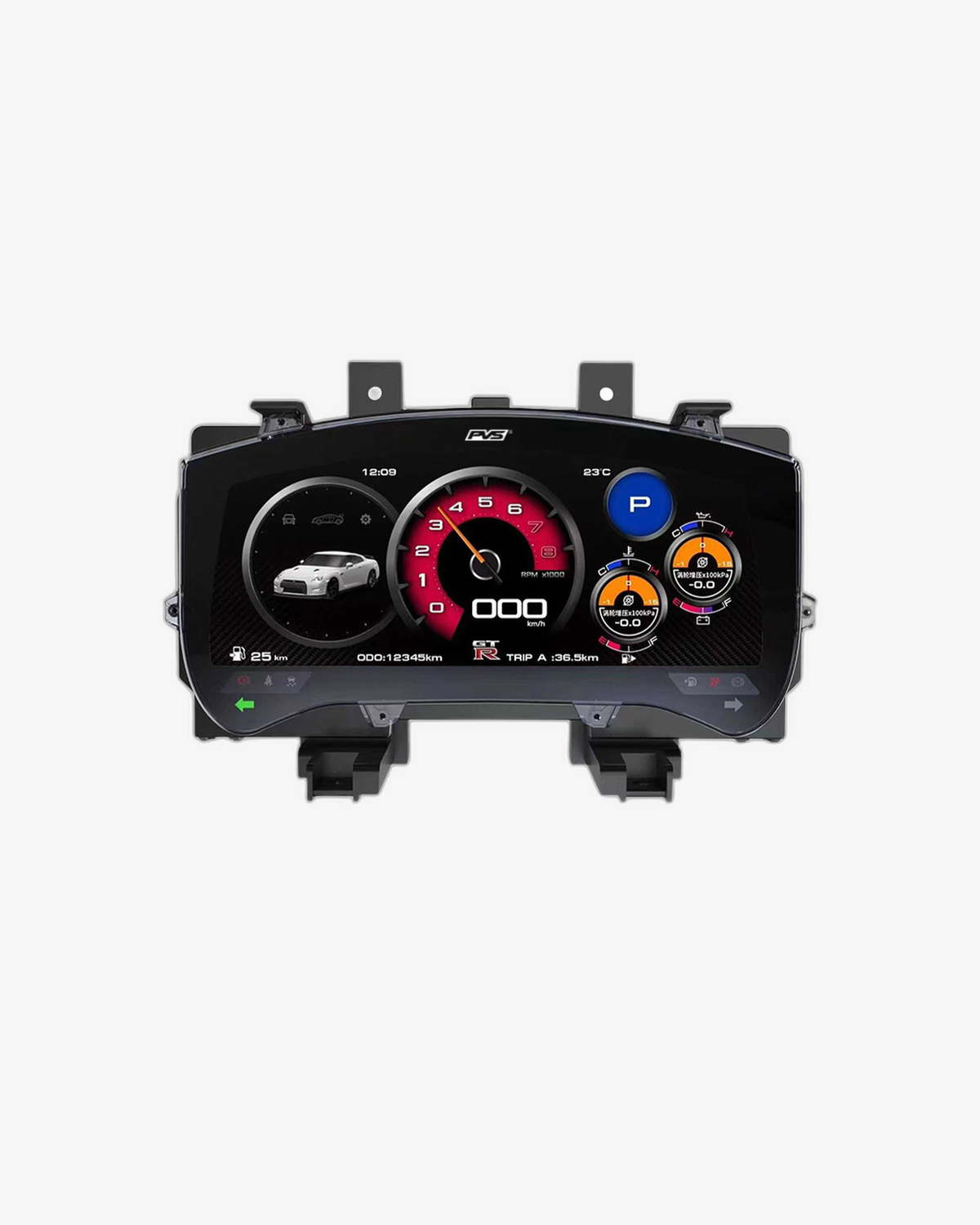
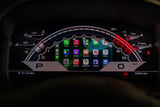
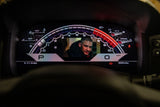
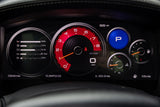
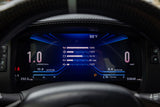
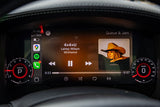
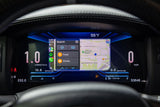
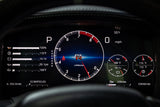
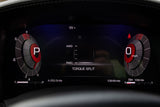
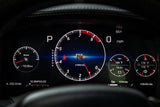
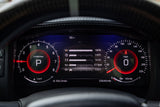
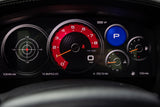
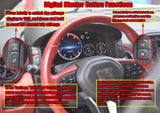

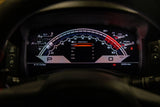
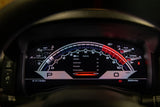
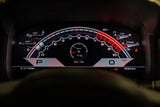
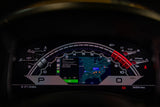
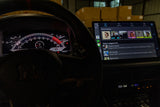
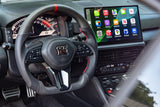
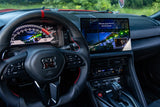
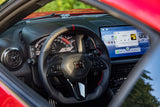
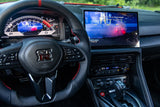
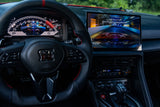
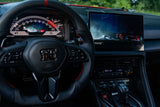
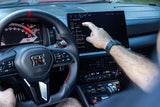
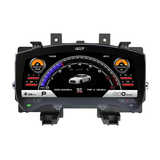
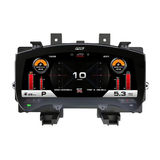
HD Digital Dash Cluster 1920×720 60 Hz digital instrument cluster for the R35 GT-R
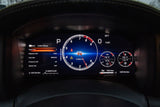
Speed By Design's HD Digital Dash replaces the factory instrument cluster in your 2007 to 2024 Nissan GT-R with a crisp 1920×720 60 Hz display. You get wireless Apple CarPlay, wireless Android Auto, Wi-Fi, Bluetooth and an HDMI input, all plug and play, with an install that takes around an hour.
or 4 interest-free payments of $849.75 with Shop Pay & Afterpay
Item code: NISSAN-GTR-R35-DIGITAL-DASH
 Australian Owned and Operated.Australian Owned Certified · AO 08314
Your GT-R deserves a better dashboard.
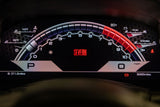
The R35 GT-R is one of the most capable performance cars ever built, but its factory instrument cluster dates back to the mid-2000s. The SBD HD Digital Dash brings the display up to the same standard as the drivetrain, replacing the OEM cluster with a high-definition 1920×720 panel running at a smooth 60 frames per second.
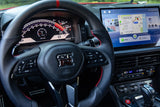
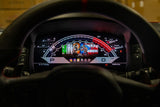
Beyond the sharper picture, you get genuine daily-use functionality. Wireless Apple CarPlay and Android Auto connect your phone the moment you get in, no cables to manage. The built-in HDMI input opens the door to aftermarket gauge overlays from platforms like Ecutek, so tuners and track-day drivers get real data right in their eyeline.
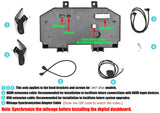
Fitment covers every GT-R built from 2007 through to 2024, across all world markets. The harness plugs directly into your factory connectors with no cutting or splicing, and an included odometer syncing cable keeps your recorded mileage accurate. Most owners have it installed in around an hour.
Everything the factory dash should have been.
HIGH DEFINITION DISPLAY
A 1920×720 panel running at 60 Hz gives you a sharp, fluid image, a significant step up from the factory GT-R cluster in both resolution and refresh smoothness.
WIRELESS APPLE CARPLAY
Connect your iPhone without touching a cable. Wireless CarPlay puts maps, calls, messages and music directly in your instrument cluster the moment you start the car.
WIRELESS ANDROID AUTO
Android users get the same cable-free experience, with Google Maps, Waze, Spotify and other Android Auto apps available straight from the driver's seat.
Vehicle fitment.
Installation overview.
REMOVE FACTORY CLUSTER
Carefully remove the factory instrument cluster from the GT-R dash surround. No permanent modification to your vehicle is needed at any stage.
CONNECT FACTORY PLUGS
Plug the factory GT-R harness connectors directly into the SBD Digital Dash. All original plugs are retained and connect with no cutting or splicing.
CONNECT ODOMETER CABLE
Attach the included odometer syncing cable so your recorded mileage stays accurate after the cluster swap.
CONNECT HDMI AND USB CABLES
Route and connect the included HDMI cable and USB-A cable as your setup needs, including any external video source such as an Ecutek gauge display.
FIT AND TEST
Seat the new cluster in the factory location, power on the vehicle and confirm all functions, including wireless CarPlay or Android Auto pairing, display output and gauge readings.