


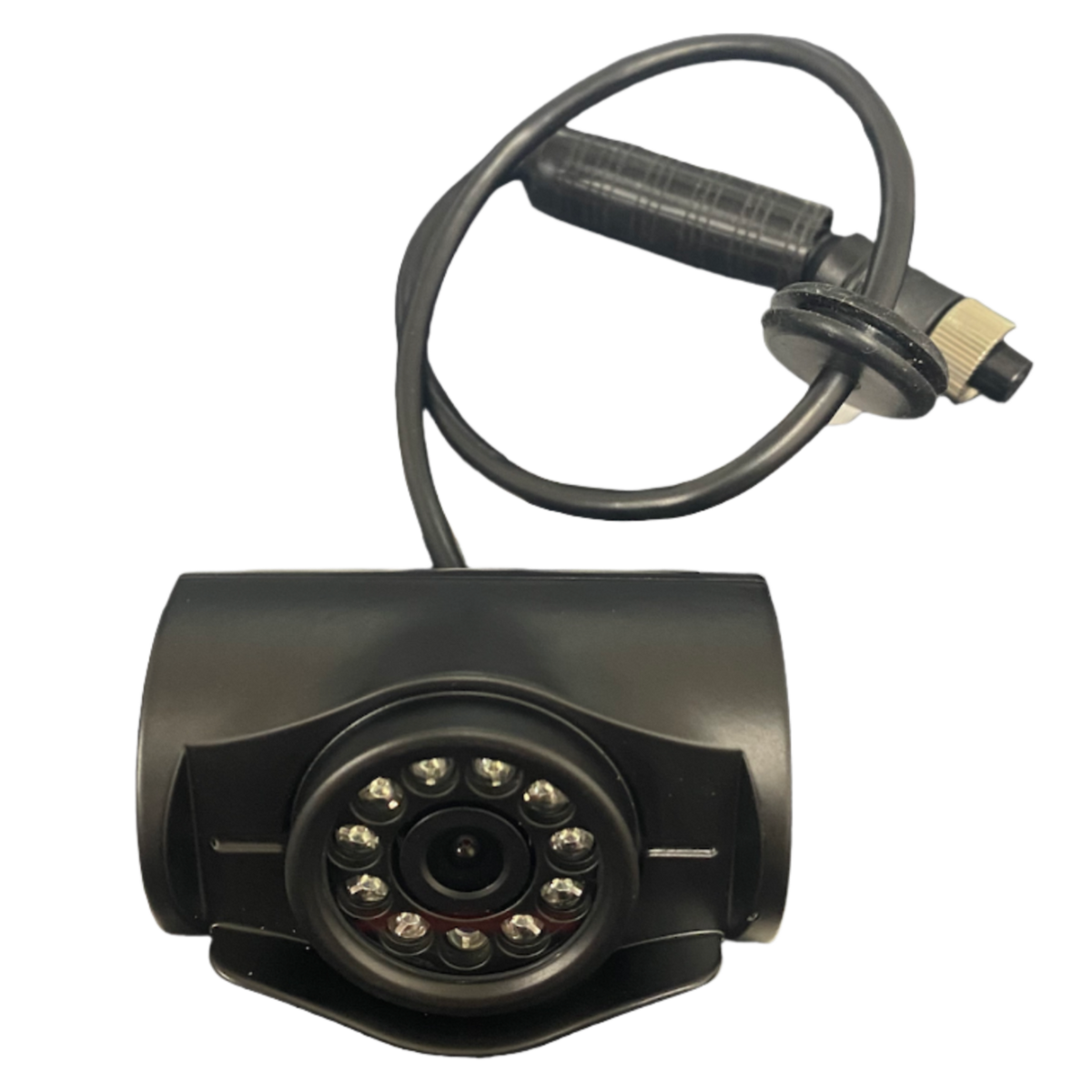
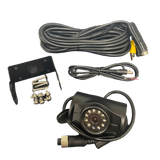
Heavy Duty AHD Reverse Camera High-definition reversing clarity for any AHD head unit
The PVS Automotive Heavy Duty AHD Reverse Camera sends sharp, high-definition video to any AHD-compatible head unit. It's built tough for Australian conditions and works on 12V systems across a wide range of vehicles, with a simple connection to get it running.
or 4 interest-free payments of $37.25 with Shop Pay & Afterpay
Item code: HEAVYDUTYREVERSECAM
 Australian Owned and Operated.Australian Owned Certified · AO 08314
Sharp vision, built to last.
Standard analogue reverse cameras give you a soft, washed-out picture, and that makes tight reversing manoeuvres harder than they need to be. AHD technology sends a noticeably cleaner, sharper image to your screen. You can see exactly what's behind you, whether you're parking on a city street or backing a trailer down a bush track.
The heavy duty housing handles vibration, dust and water exposure in the kinds of conditions Australian 4WD owners actually drive through. A straightforward RCA connection and two-wire power hookup mean less time on the install and more time on the road.
What sets it apart.
AHD IMAGE QUALITY
Analogue High Definition gives you a sharper, cleaner picture than standard analogue cameras, so you get a clearer view of obstacles, kerbs and tow hitches.
HEAVY DUTY HOUSING
The rugged enclosure copes with dust, moisture and vibration, so the camera keeps performing through daily use and off-road work.
SIMPLE RCA HOOKUP
A single RCA cable runs to the reverse camera input on your head unit. Red and black power wires tap into the reverse light circuit, so the install stays clean and straightforward.
Installation overview.
RCA CONNECTION
Run the RCA cable from the camera to the reverse camera input on the back of your head unit.
POWER WIRES
Tap the red wire into the red/black wire on your tail light reverse circuit. Connect the black wire to a clean chassis ground point.
OPTIONAL SWITCH
If you'd rather have manual control than automatic triggering, wire camera power through an accessory or ignition source with an in-line switch.
TEST BEFORE MOUNTING
Check the camera image on your head unit before you commit to final bracket mounting and cable routing.