


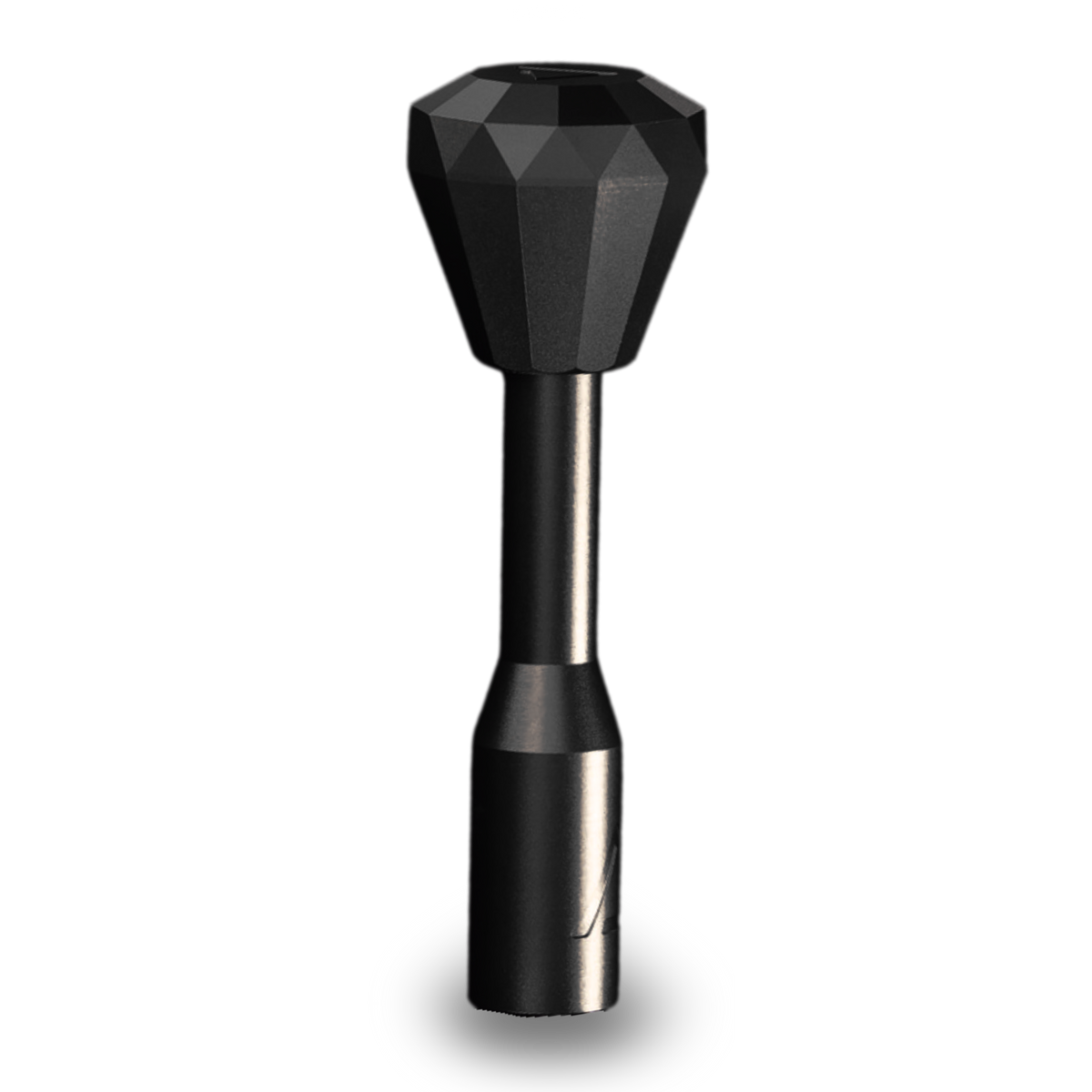
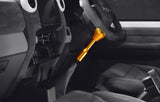
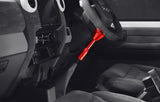
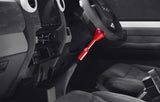

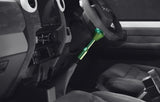
Prism Knob + 6.6" Extension Bundle Diamond cut billet aluminium, Toyota fitment
Your factory gear knob takes a beating every day in a LandCruiser or Hilux. The Prism bundle replaces it with a CNC-machined 7075 billet aluminium knob and a matching 6.6-inch extension, with extension colour and knob colour chosen independently across seven finishes.
or 4 interest-free payments of $15.49 with Shop Pay & Afterpay
Item code: AERO-BNDL-PRISM-BLK-GLD-66-TOY
 Australian Owned and Operated.Australian Owned Certified · AO 08314
Why upgrade your gear knob.
Your factory gear knob on a LandCruiser or Hilux earns its keep every day, and it shows. The Prism replaces that tired plastic or rubber knob with a precision CNC-machined piece of 7075 billet aluminium, chosen for its strength-to-weight ratio and the crisp detail it holds after machining.
The 6.6-inch extension drops your shift point lower, giving you a more natural arm position whether you're working through low-range on a track or running through gears on the highway. The diamond-cut silhouette looks purposeful without being overdone, and the etched Aero Series logo rounds out the finish.
With seven colours available for both the extension and the knob independently, you can match your interior, contrast it, or keep it blacked out. Every combination ships with a thread adaptor and works only with M12 x 1.25 shifters and Aero Series components.
Built for feel, finished for detail.
7075 BILLET ALUMINIUM
CNC machined from 7075 alloy for precision tolerances and long-term durability under daily use.
DIAMOND CUT SHAPE
The faceted silhouette improves your grip during gear changes and gives the cabin a clean, modern look.
COLOUR YOUR WAY
Seven finish options for both the extension and the knob, chosen independently, so the combo suits your interior.
Vehicle fitment.
Installation overview.
REMOVE FACTORY KNOB
Unscrew your existing gear knob anti-clockwise. Some models have a locking collar, remove that first.
FIT THE EXTENSION
Thread the 6.6-inch extension onto your shifter using the included thread adaptor. Hand-tighten firmly.
ATTACH THE PRISM KNOB
Thread the Prism knob onto the top of the extension. Align any logos or flats to your preferred orientation and tighten.