Wireless CarPlay & Android Auto Display
7" IPS touchscreen, no head unit swap required
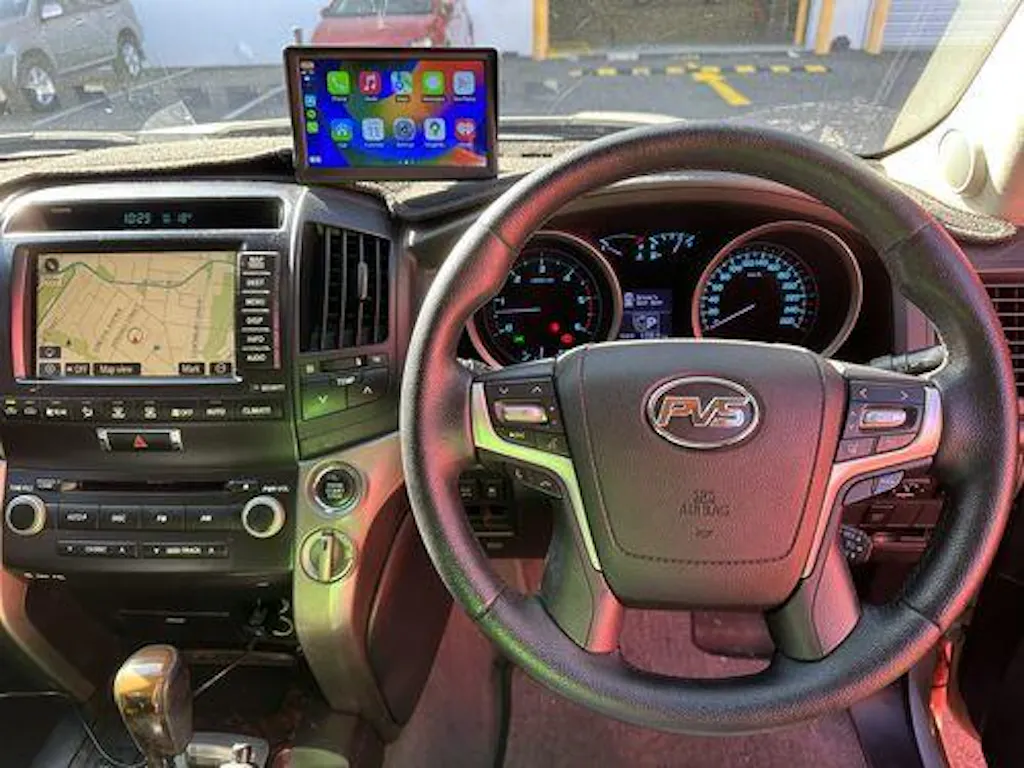
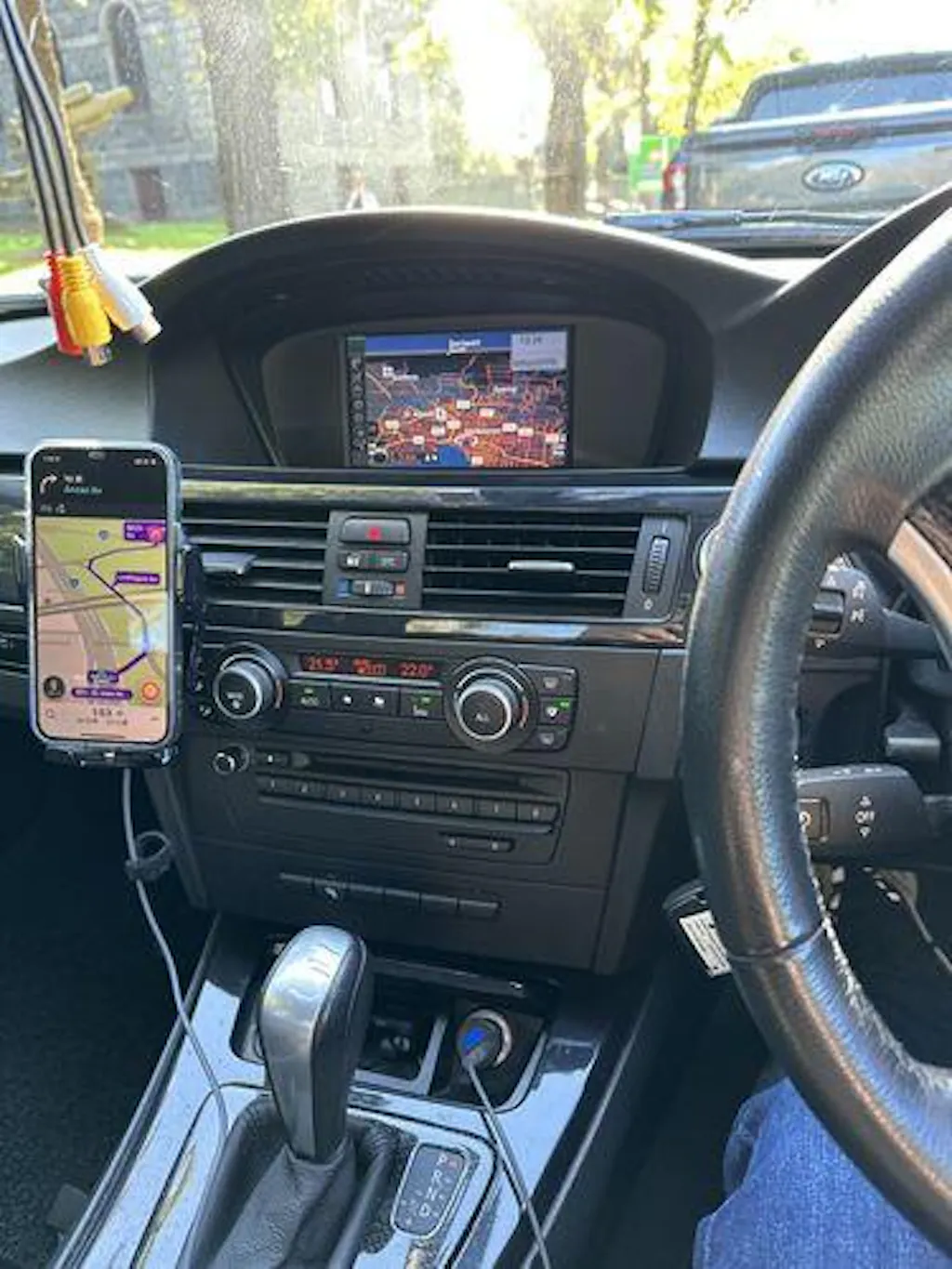
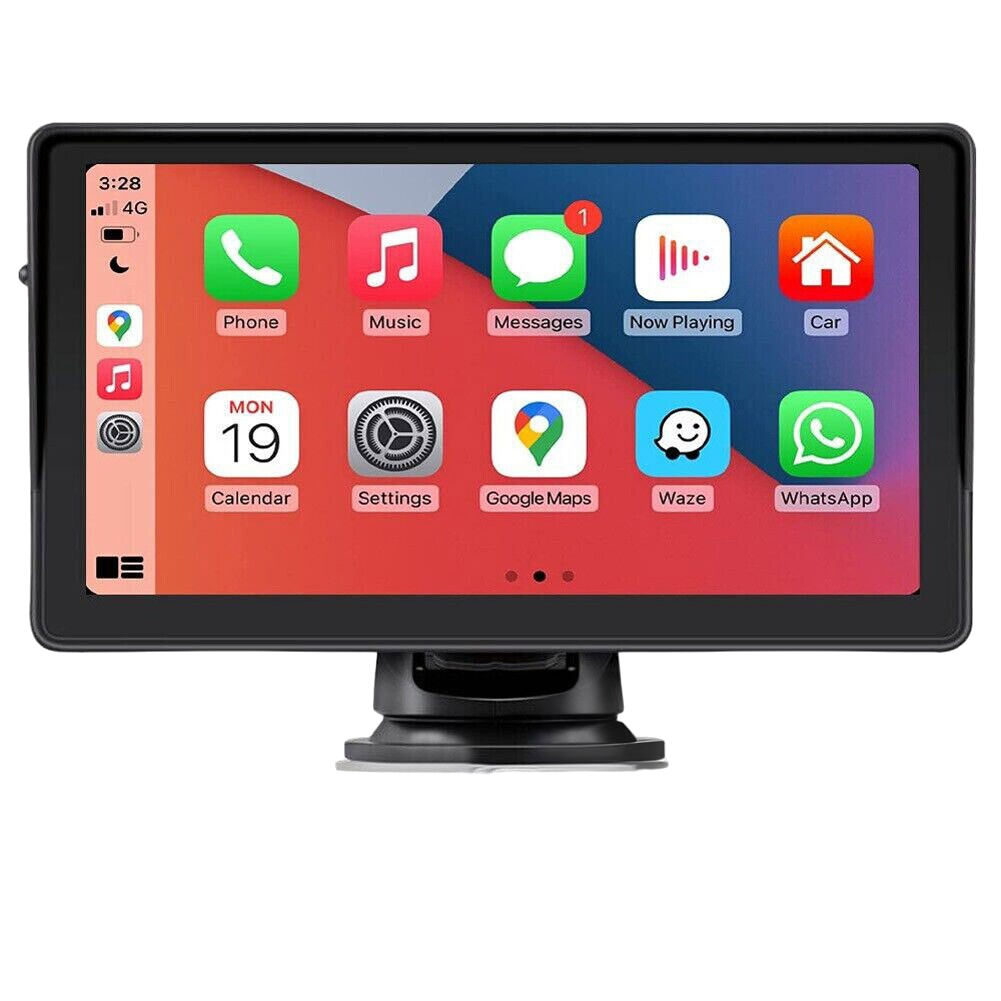
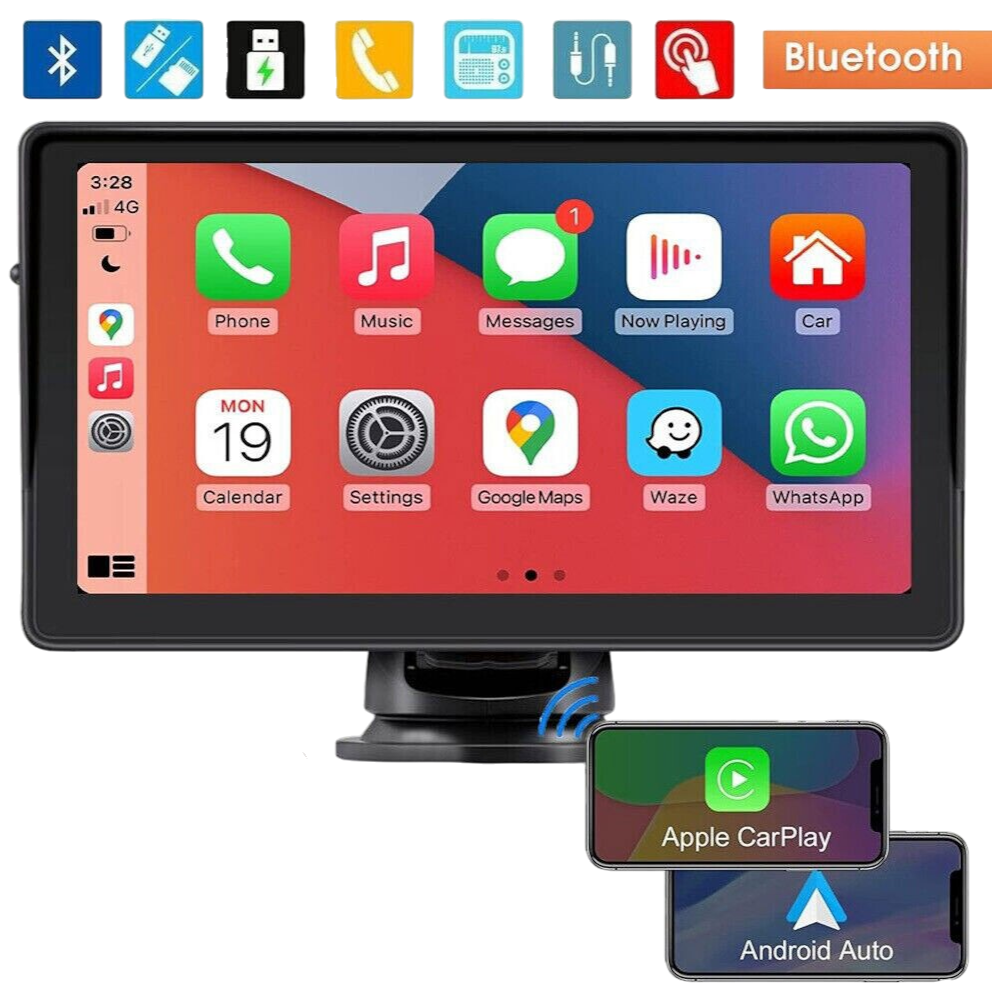
Add wireless Apple CarPlay and Android Auto to almost any vehicle without touching the factory stereo. This portable 7" IPS touchscreen mounts on your dash or windscreen and connects to your phone in seconds.
Item code: UNICARPLAY7INCH
FREE delivery, Australia-wide
Shopping for work? You could claim up to 30% for tax purposes on your business order. Terms and conditions apply. Please check with your accountant.
Modern connectivity, no stereo swap.
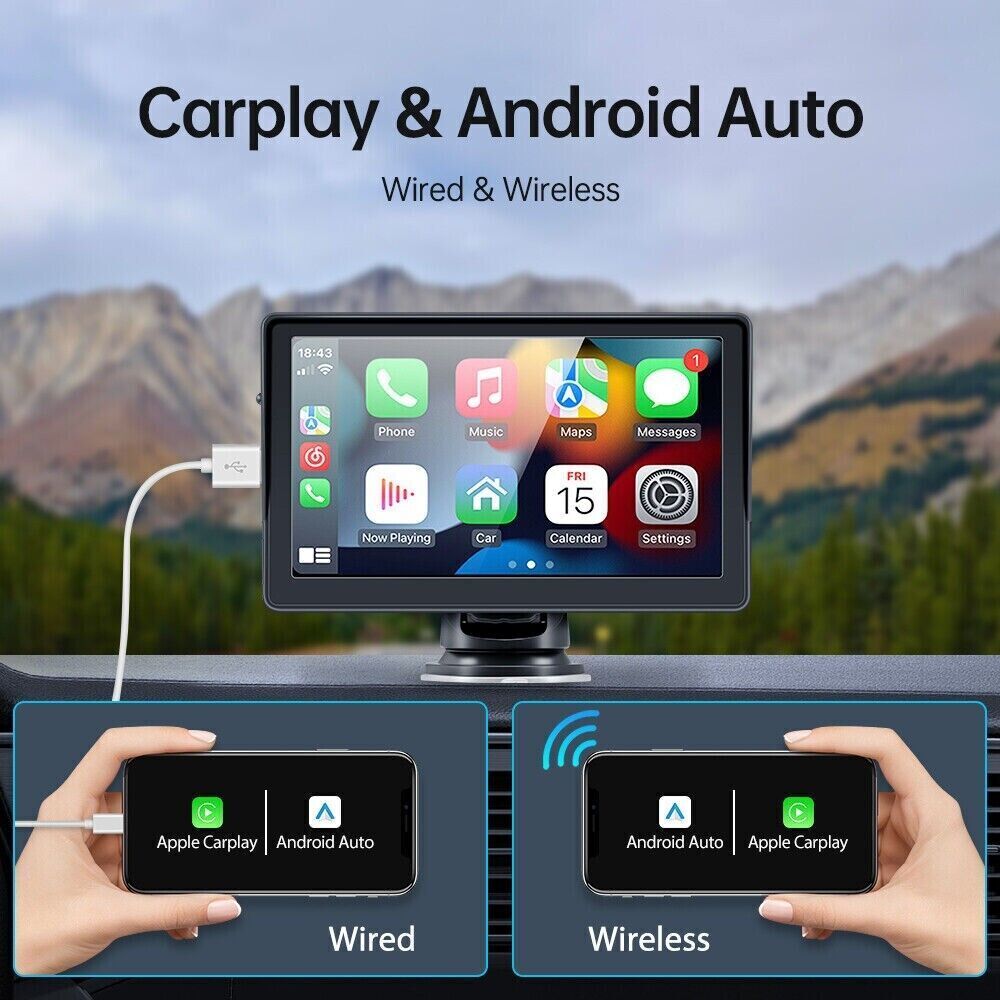
Replacing a factory head unit can mean cutting into dashboards, voiding warranties, or spending hundreds on installation. This portable display sidesteps all of that. It sits neatly on your dash or windscreen using the included mount, powers up from your vehicle, and connects wirelessly to your iPhone or Android phone via Bluetooth and Wi-Fi.
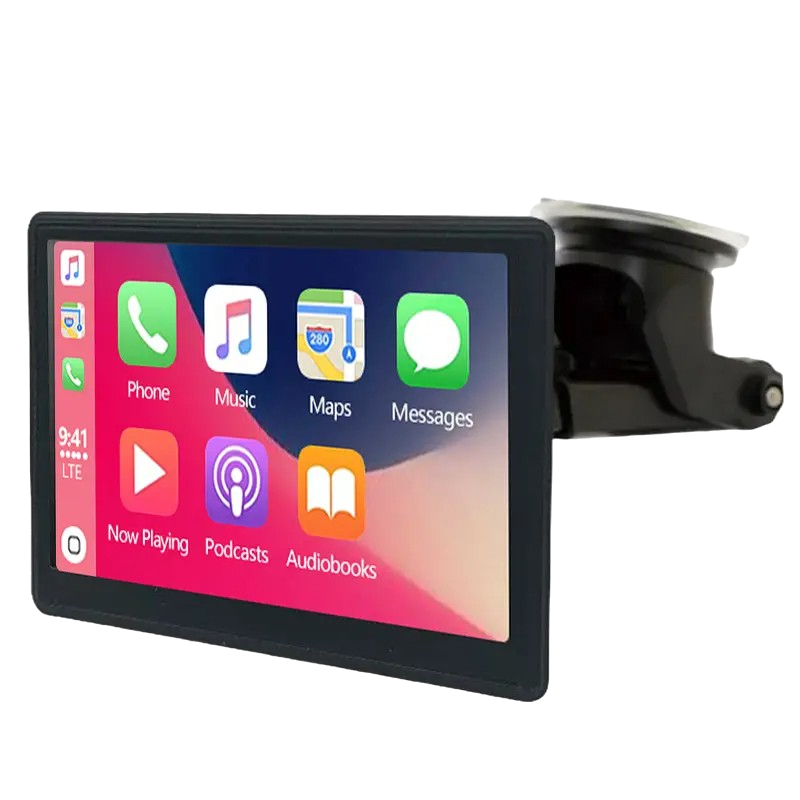
Once connected, you get the full CarPlay or Android Auto experience including Google Maps, Waze, Siri, Google Assistant, music streaming, and hands-free calling through a clear 1024x600 IPS panel. Audio routes through your existing setup via AUX or FM transmission, so your factory speakers stay in the loop.
It is a practical answer for older 70 Series LandCruisers, Hilux work utes, or any vehicle where factory CarPlay simply was not an option. No installer, no drama, no permanent modification.
What makes this the easy upgrade.
WIRELESS CONNECTION
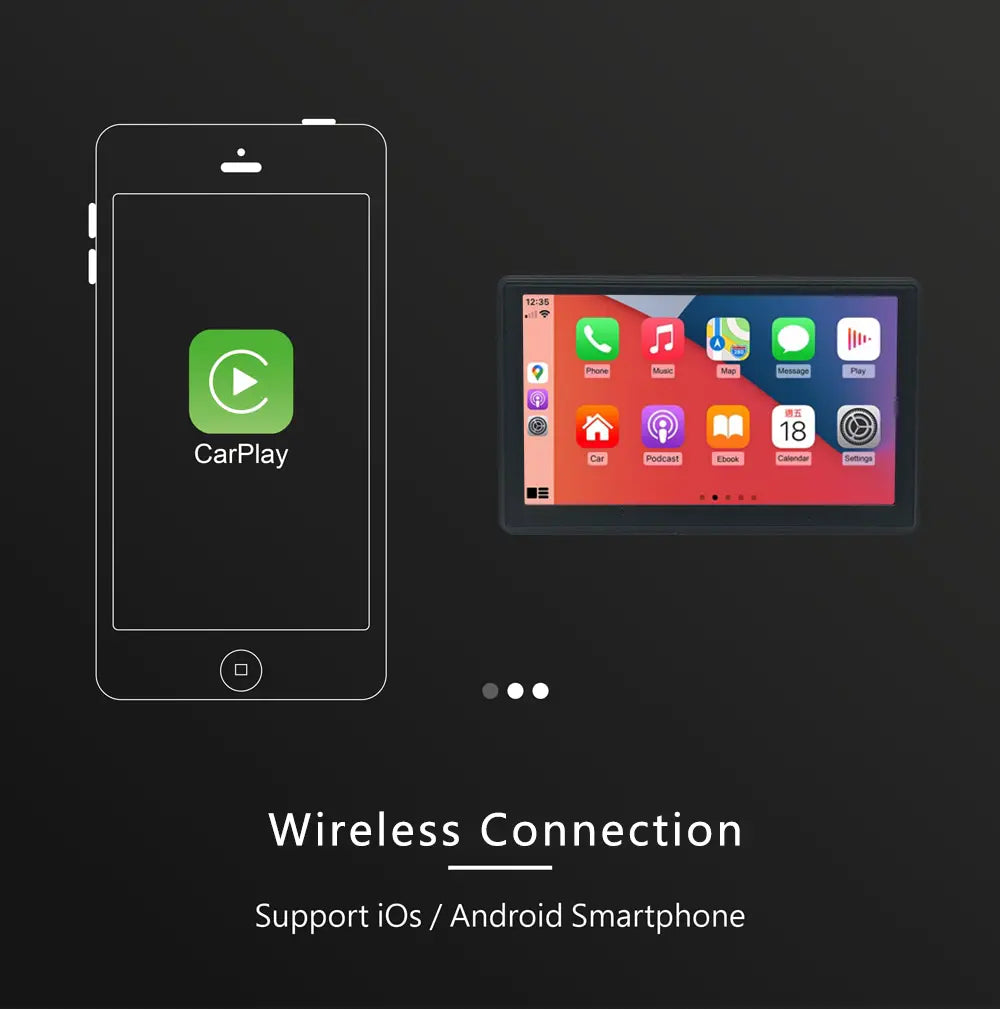
Pairs to your phone over Bluetooth 5.0 and Wi-Fi. No cables dangling from your phone to the screen.
7" IPS TOUCHSCREEN
A 1024x600 high-resolution IPS panel delivers sharp visuals and responsive touch in a compact, OEM-friendly footprint.
FULL APP ACCESS
Run Apple CarPlay or Android Auto natively. Siri, Google Assistant, Waze, Google Maps, Spotify and hands-free calling all work as expected.
Installation overview.
MOUNT THE SCREEN
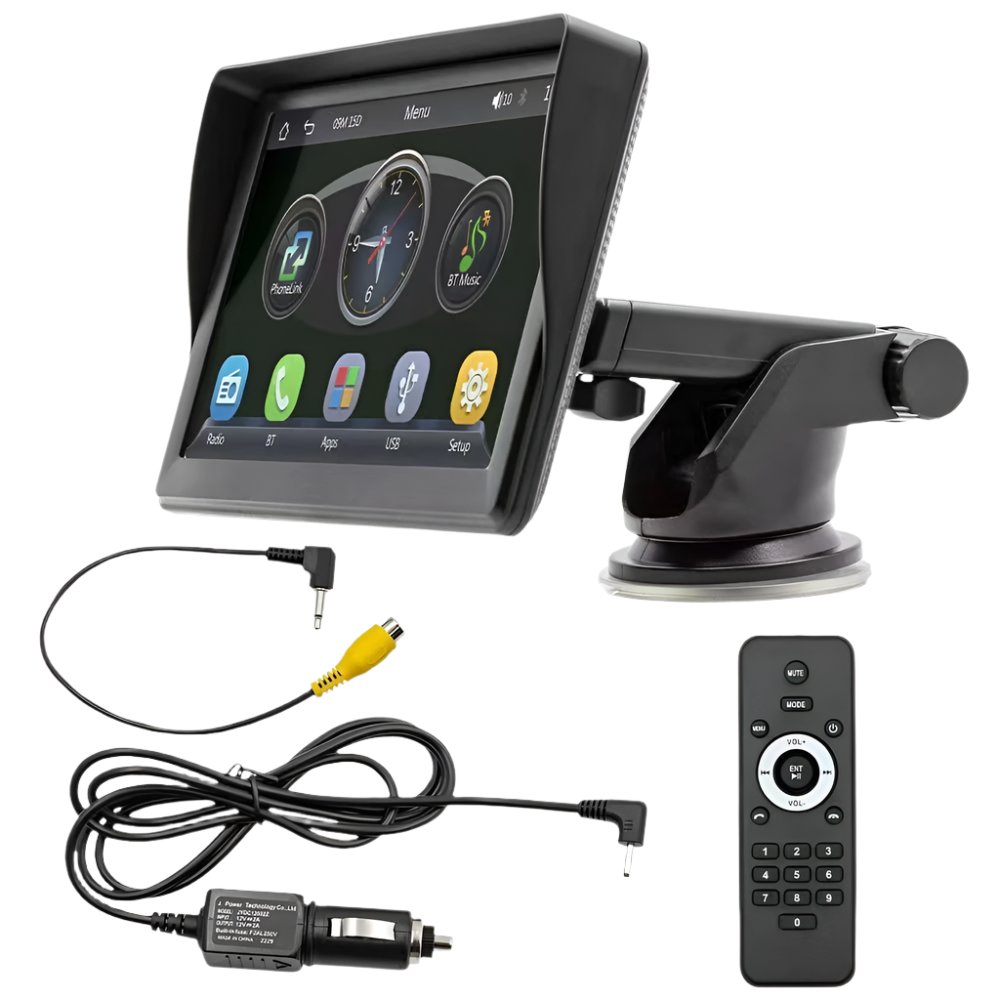
Attach the included bracket to your dashboard or windscreen in a position that keeps the screen visible but clear of your sightlines.
CONNECT POWER
Run the included power cable to your vehicle's power source. The unit is ready to power on.
PAIR YOUR PHONE
Enable Bluetooth and Wi-Fi on your iPhone or Android device and follow the on-screen prompts to connect CarPlay or Android Auto wirelessly.
SET UP AUDIO
Choose AUX input or FM transmission to route audio through your factory speakers, then set your preferred volume and you are good to go.