


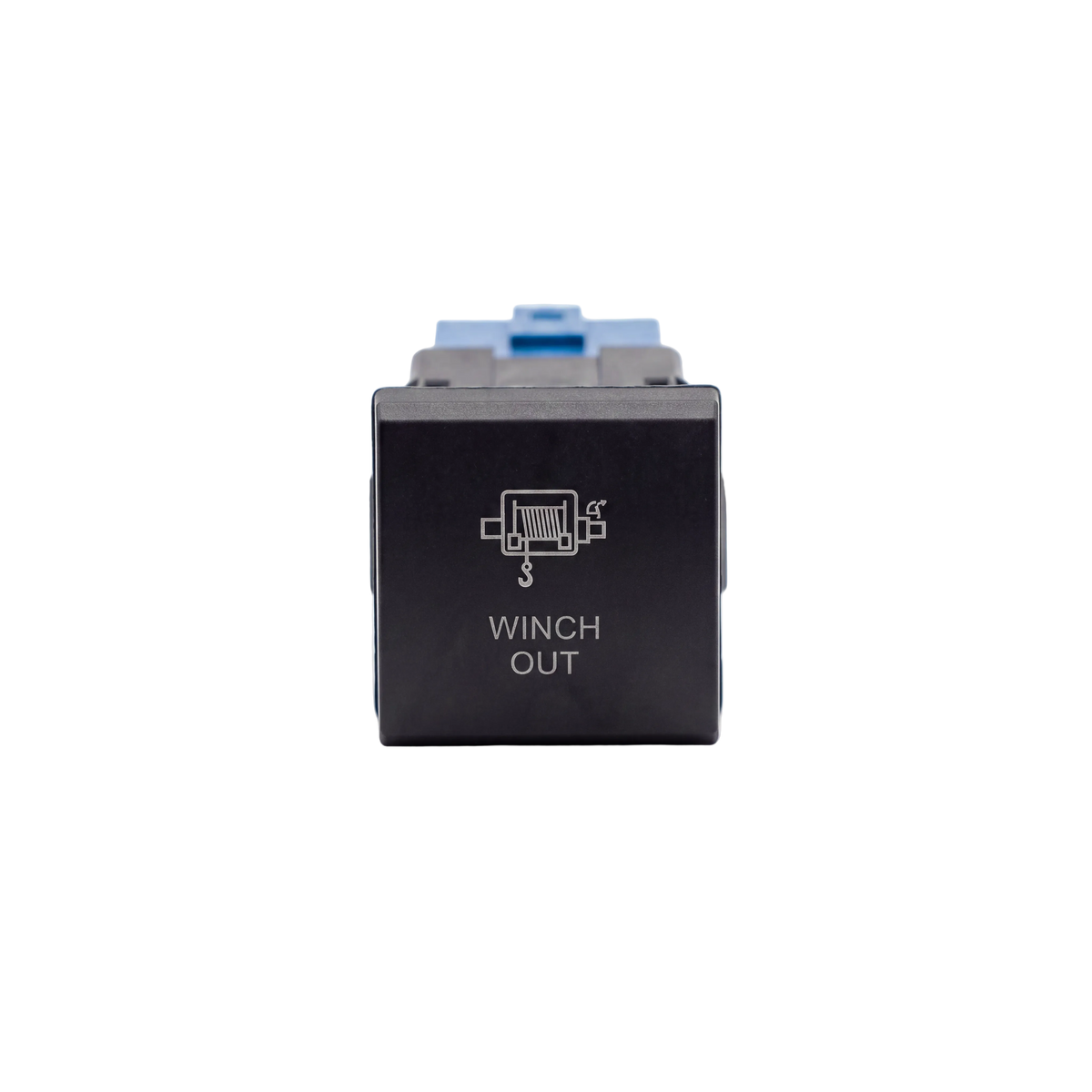
Winch Out LED Push Switch Factory-style LED dash control for the 70 Series
A direct-fit Winch Out push switch for your LandCruiser 70 Series factory switch panel. White LED illumination and an OEM-match finish mean it looks like it was always there.
or 4 interest-free payments of $4.75 with Shop Pay & Afterpay
Item code: SW70-VW-WNO
 Australisches Eigentum, australisch geführt.Australian Owned Certified · AO 08314
Why the right switch matters.
A generic rocker switch is a compromise when you retrofit a winch. It sits awkwardly in the dash, the labelling never quite matches and the illumination is off. A switch that drops straight into the factory panel slot solves all of that at once.
This Winch Out push switch fills the existing blank in your 70 Series LandCruiser switch panel. It carries the correct tactile action, white LED backlight and moulded labelling, so the result is clean, readable and consistent with every other switch on your dash.
Select your panel type at checkout. LC70 Vertical suits the standard upright panel layout. LC70 Facelift Square suits the updated square-format panel on the facelifted 70 Series.
Built for the factory panel.
WHITE LED ILLUMINATION
Backlit in white to match your factory switch lighting, so your winch control is clearly visible day or night without standing out as an aftermarket addition.
OEM-MATCH FINISH
The moulded finish and labelling sit flush alongside your Toyota factory switches, for a clean, integrated dash.
DIRECT-FIT DESIGN
Sized and clipped to suit the panel variant you select, LC70 Vertical or LC70 Facelift Square, so it drops straight in with nothing cut or adapted.
Vehicle fitment.
Installation overview.
SELECT YOUR PANEL
Confirm whether your 70 Series has the Vertical or Facelift Square switch panel before you order. The two variants aren't interchangeable.
REMOVE THE BLANK
Pop out the factory blank from the switch position in your panel using a trim tool.
CONNECT AND CLIP IN
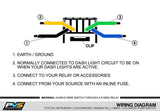
Connect the pre-wired harness to your winch out circuit, then press the switch firmly into the panel until it clips flush.